Commercial Cleaning Routing Software | Zeo Route Planner
Reading Time: 3 minutes

Streamline Your Cleaning Operations
With Advanced Route Optimization

Zeo’s commercial cleaning routing solution makes managing your
cleaning service business easy.
Commercial Cleaning Routing Software, Zeo Route Planner

#1 Rated for Productivity, Time & Costs in Route Planning Software

2 Star, Zeo Route Planner
RoutePlanning MomentumLeader Leader, Zeo Route Planner RoutePlanning HighPerformer HighPerformer, Zeo Route Planner RoutePlanning BestUsability Total, Zeo Route Planner RoutePlanning BestResults Total, Zeo Route Planner RoutePlanning BestRelationship Total, Zeo Route Planner RoutePlanning BestRelationship Small Business Total, Zeo Route Planner LastMileDelivery Leader Small Business Leader, Zeo Route Planner LastMileDelivery Leader Leader, Zeo Route Planner LastMileDelivery HighPerformer India HighPerformer, Zeo Route Planner LastMileDelivery HighPerformer EMEA HighPerformer, Zeo Route Planner LastMileDelivery HighPerformer AsiaPacific HighPerformer, Zeo Route Planner LastMileDelivery HighPerformer Asia HighPerformer, Zeo Route Planner Capterra, Zeo Route Planner Getapp 1, Zeo Route Planner SoftwareAdvice, Zeo Route Planner
Devider, Zeo Route Planner
Ratig 1, Zeo Route Planner Raiting 2, Zeo Route Planner


Commercial Cleaning Service Routes with
Smart Route Optimisation Software
Efficient Scheduling and Dispatching

Group 1707478349, Zeo Route Planner
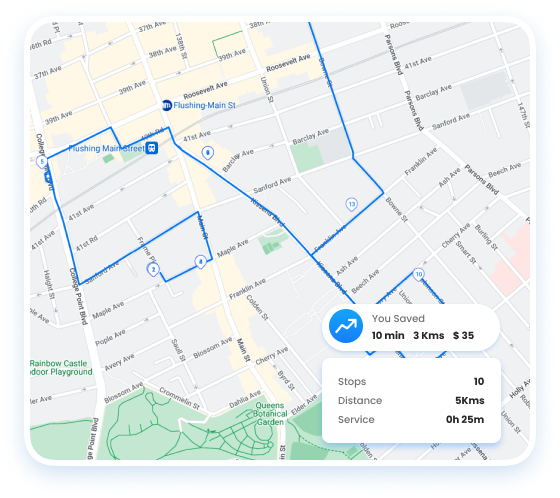
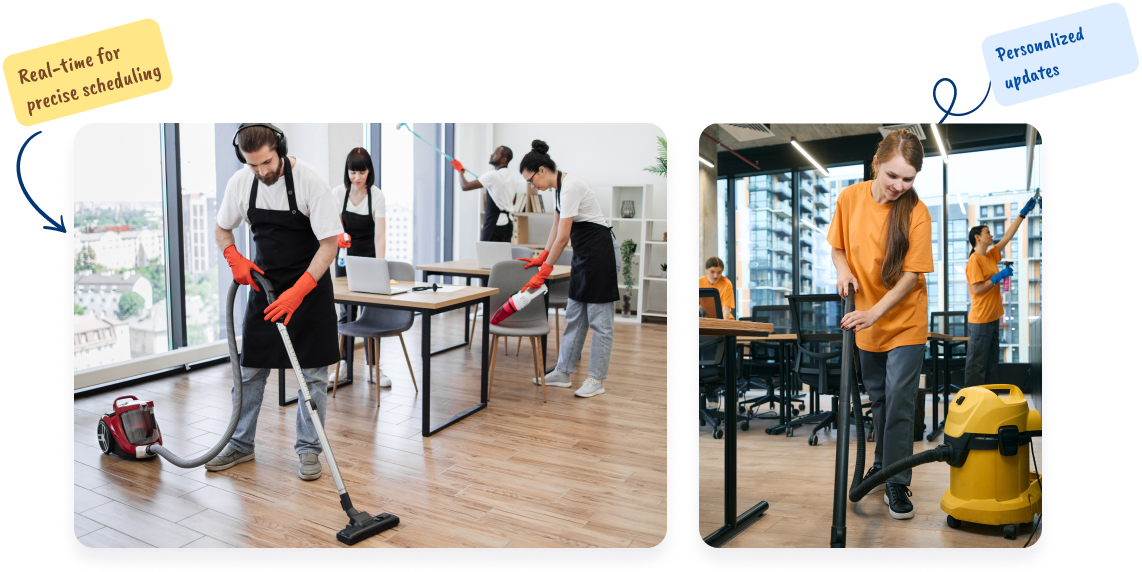
Streamline your Commercial Cleaning service routes with optimized routing and scheduling.
  • Plan cleaning routes for maximum efficiency in commercial spaces.
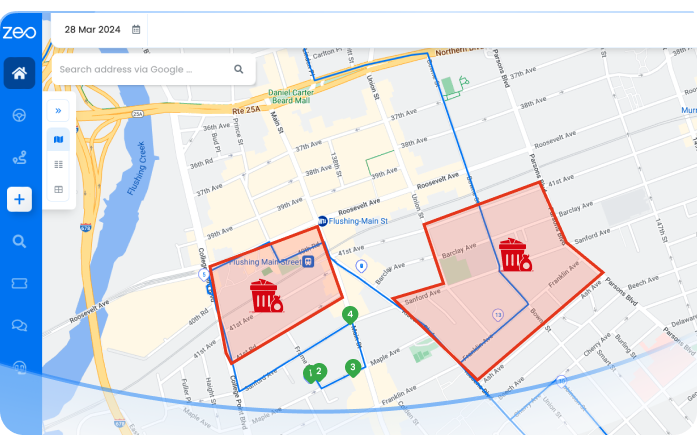
  • Distribute cleaning tasks based on cleaner expertise and location.
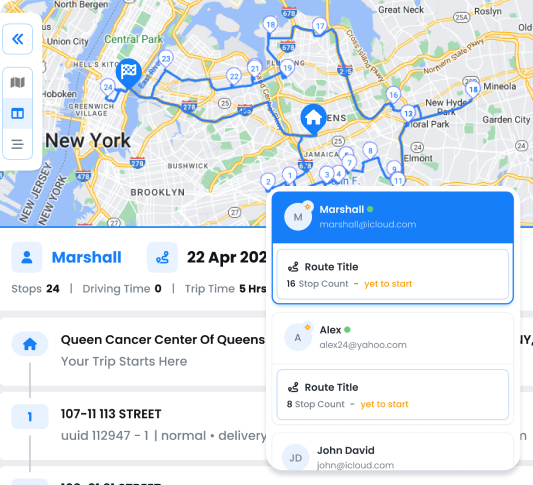
  • Monitor cleaning crews for timely service in office buildings and facilities.
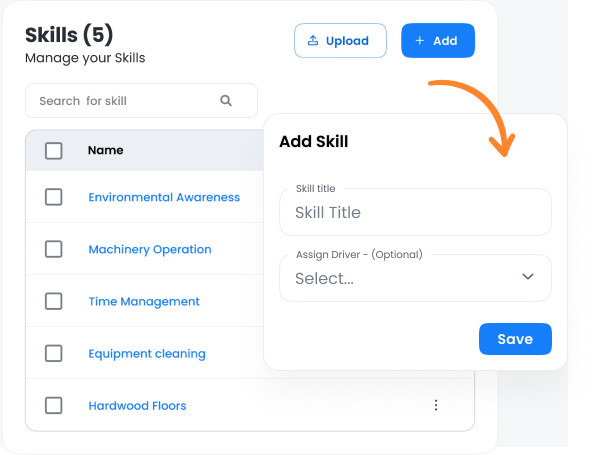
  • Assign tasks based on specific cleaning skills, like deep cleaning or sanitization.
  • Onboard new cleaners quickly with Zeo’s easy-to-use digital tools.
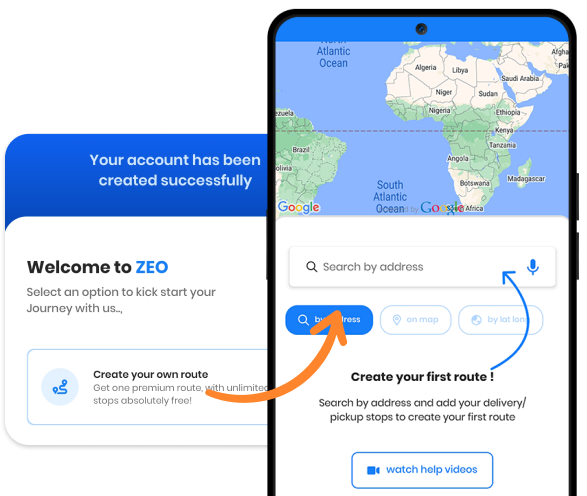
  • Tailor messaging for cleaning schedules and client updates.
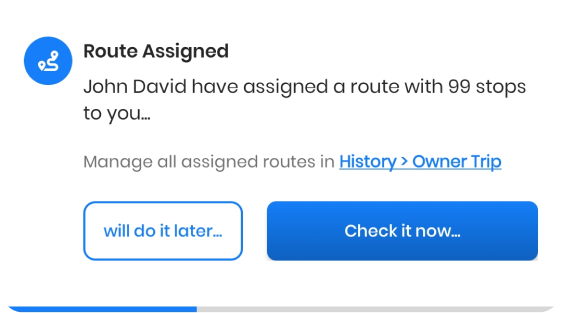
Get Started for Free
Explore All Features

Leverage Your Cleaning Services with Zeo

Commercial Cleaning Routing Software: Plan, Schedule & Dispatch

Commericail Banner 1, Zeo Route Planner

Transform your Commercial
Cleaning Service Business to
the Next Level


Get Started for Free

Trusted by 10,000+ Businesses for optimized routes

Used by over 1.5mn drivers across 150 countries to finish their work faster!

Commercial Cleaning Routing Software, Zeo Route Planner

Frequently Asked Questions

How does Zeo optimize commercial cleaning routes?

Zeo plans commercial cleaning routes in the most efficient sequence, reducing travel time between offices, buildings, or facilities. Upload your cleaning sites, and Zeo arranges them smartly to maximize daily coverage and minimize fuel costs.

Can Zeo automatically assign cleaning jobs to my team?

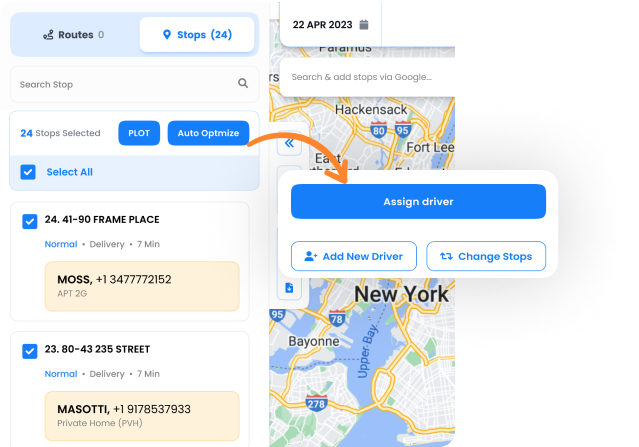
Yes. Zeo’s Auto Assign feature distributes commercial cleaning tasks based on staff proximity, service type, and workload—ensuring each cleaner receives the right assignment instantly.

How can I track cleaning teams in real time?

Zeo’s Fleet dashboard lets you monitor all commercial cleaning crews live. You can see job progress, ETAs, completed sites, and delays—allowing quick rescheduling or reassignment when needed.

Can Zeo assign cleaners based on skill or service type?

Absolutely. Add skills like Deep Cleaning, Sanitization, or Window Cleaning in Settings → Skills to the correct crew. Zeo auto-matches jobs with qualified staff automatically.

How do I onboard new cleaners quickly?

Add new cleaning staff under the Drivers tab,assign them seat after which you can assign them their first route,then the Zeo mobile app guides them through every commercial cleaning stop with navigation and real-time progress tracking.

How does Zeo improve cleaning efficiency?

Zeo streamlines commercial cleaning operations by automating scheduling, routing, and dispatching. Teams avoid route overlap, reduce downtime, and complete more cleaning jobs per day while lowering travel costs.

Is Zeo suitable for both small and large cleaning operations?

Yes. Small cleaning teams can plan and track daily routes easily, while larger facility management operations use multi-driver Auto-Assign, bulk scheduling, and skill-based dispatching to manage high-volume, multi-site cleaning workflows.

Zeo Questionnaire

Frequently
Asked
Questions

Know More

Commercial Cleaning Routing Software

How does Zeo optimize commercial cleaning routes?

Zeo plans commercial cleaning routes in the most efficient sequence, reducing travel time between offices, buildings, or facilities. Upload your cleaning sites, and Zeo arranges them smartly to maximize daily coverage and minimize fuel costs.

Can Zeo automatically assign cleaning jobs to my team?

Yes. Zeo’s Auto Assign feature distributes commercial cleaning tasks based on staff proximity, service type, and workload—ensuring each cleaner receives the right assignment instantly.

How can I track cleaning teams in real time?

Zeo’s Fleet dashboard lets you monitor all commercial cleaning crews live. You can see job progress, ETAs, completed sites, and delays—allowing quick rescheduling or reassignment when needed.

Can Zeo assign cleaners based on skill or service type?

Absolutely. Add skills like Deep Cleaning, Sanitization, or Window Cleaning in Settings → Skills to the correct crew. Zeo auto-matches jobs with qualified staff automatically.

How do I onboard new cleaners quickly?

Add new cleaning staff under the Drivers tab,assign them seat after which you can assign them their first route,then the Zeo mobile app guides them through every commercial cleaning stop with navigation and real-time progress tracking.

How does Zeo improve cleaning efficiency?

Zeo streamlines commercial cleaning operations by automating scheduling, routing, and dispatching. Teams avoid route overlap, reduce downtime, and complete more cleaning jobs per day while lowering travel costs.

Is Zeo suitable for both small and large cleaning operations?

Yes. Small cleaning teams can plan and track daily routes easily, while larger facility management operations use multi-driver Auto-Assign, bulk scheduling, and skill-based dispatching to manage high-volume, multi-site cleaning workflows.

Zeo Blogs

Explore our blog for insightful articles, expert advice, and inspiring content that keeps you informed.
2026 06 01 Hospital Linen Delivery Scheduling Challenges Featured, Zeo Route Planner

Hospital Linen Delivery Scheduling: 6 Ways to Cut Costs

Reading Time: 5 minutesSolve hospital linen delivery scheduling challenges with route optimization, real-time tracking, and driver management to cut costs and improve service.

2026 06 01 How To Track Uniform Delivery Inventory Featured, Zeo Route Planner

How to Track Uniform Delivery Inventory: Complete Guide 2026

Reading Time: 7 minutesLearn how to track uniform delivery inventory from warehouse to customer doorstep with real-time visibility, accountability, and route optimization.

2026 06 01 How To Optimize Refrigerated Delivery Routes Featured, Zeo Route Planner

How to Optimize Refrigerated Delivery Routes in 2026

Reading Time: 6 minutesLearn how to optimize refrigerated delivery routes to cut costs by 25% while maintaining cold chain integrity through intelligent route planning software.

Xlork is a developer-first data import platform. It lets you embed CSV, Excel, and Google Sheets import into any app with AI-powered column mapping and schema validation. Explore free developer tools like JSON-to-CSV converters and color palette generators. No more building import flows from scratch — just drop in the Xlork SDK, sign up free, and ship clean data in minutes.