Lawn Care Routing Software | Zeo Route Planner

Smart Route Optimization for
Your Lawn Care Service

Grab easy-to-use Zeo lawn care routing software for a stress-less way to dispatch technicians,
and track jobs, by keeping your team efficient while nurturing happy customers.

Zeo Route Planner

#1 Rated for Productivity, Time & Costs in Route Planning Software


Lawn Care Routes with
Route Optimisation Software
Efficient Scheduling, Delighted Clients

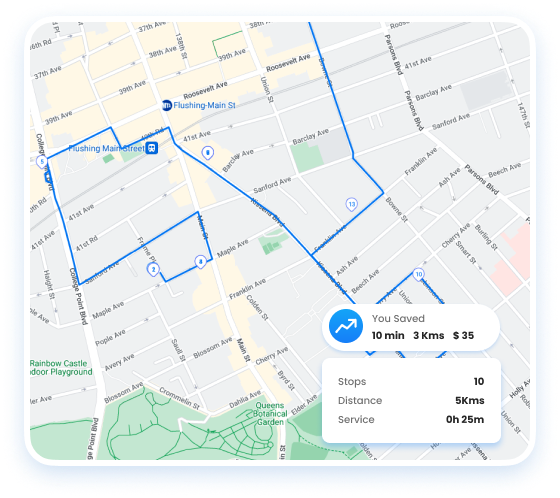
Streamline Your Lawn Care Route servicing with optimized routing, scheduling, and dispatching.

  • Optimize lawn care schedules and routes for maximized daily service coverage.
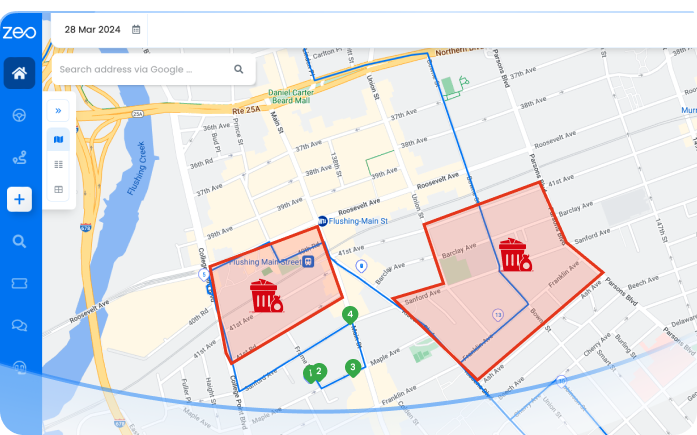
  • Efficiently distribute lawn care tasks like mowing, fertilizing, and trimming.
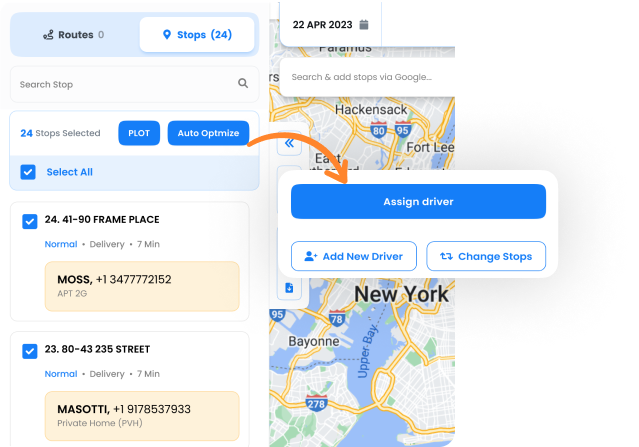
  • Monitor crews in real-time, ensuring punctual and efficient service.
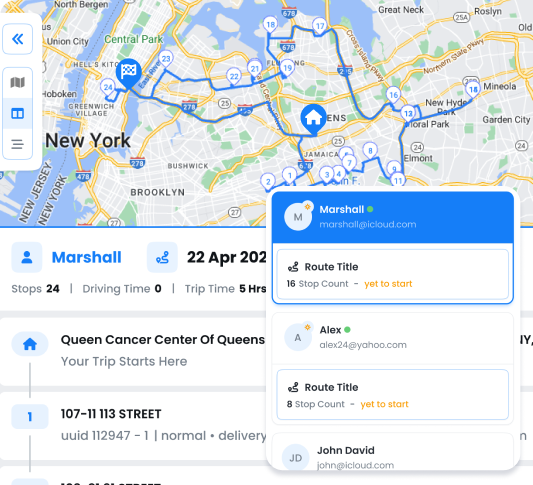
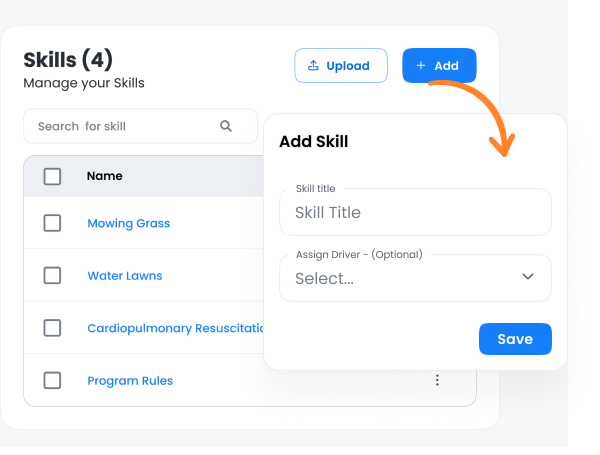
  • Assign tasks based on specific lawn care skills, from basic mowing to specialized landscaping.
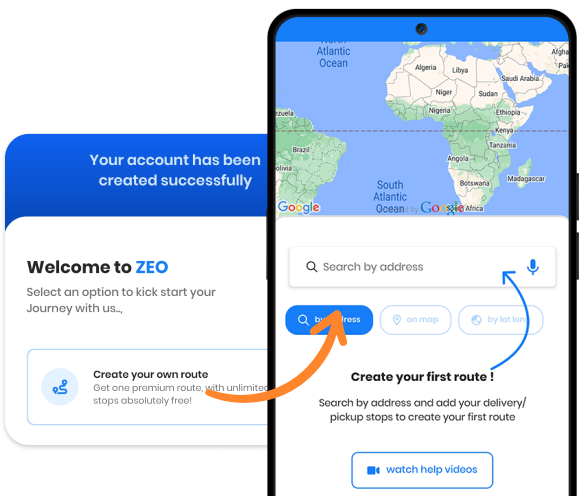
  • Quickly onboard new lawn care staff with intuitive, easy-to-use apps.
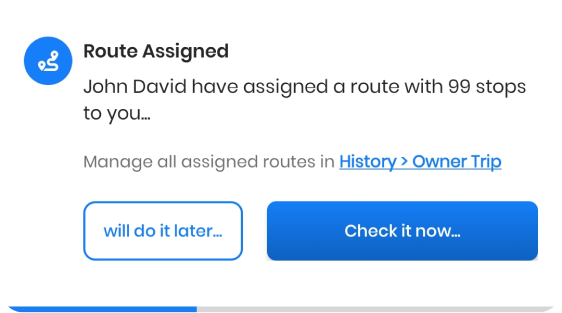
  • Customize messaging for lawn care appointments and updates.
Get Started for Free
Explore All Features

Best Lawn Care Services with Zeo

Lawn Care Business Software: Plan, Schedule & Dispatch

Efficiently Plan, Execute,
and Transform your
Routes with ZEO


Get Started for Free

Trusted by 10,000+ Businesses for optimized routes

Used by over 1.5mn drivers across 150 countries to finish their work faster!

Home, Zeo Route Planner
Zeo Questionnaire

Frequently
Asked
Questions

Know More

Lawn Care Routing Software

How does Zeo optimize daily lawn care routes?

Zeo arranges trimming, mowing ,fertilizing routes and many other features in the most efficient order. Upload your stops, and Zeo calculates the shortest route by time or area — saving fuel, time, and covering more lawns daily.

Can Zeo assign lawn care jobs based on crew skill or equipment

Yes. Use Skill-Based Assignment to match work with the right crew. Add skills like fertilizing, mowing or landscaping in Settings → Skills, and Zeo auto-allocates jobs accordingly.

How do I onboard new lawn care staff quickly?

Add new crew members in the Drivers section, assign them a seat after which you can assign them their lawn care routes, then Zeo guides them with step-by-step navigation and job updates. Supervisors can track trimming, mowing or maintenance progress live for smooth onboarding.

Is Zeo suitable for small lawn care businesses as well as larger fleets?

Yes. Zeo scales easily for lawn care operations — whether you manage a single crew or multiple landscaping teams. From basic daily routes to zone-based area planning, the same dashboard works for any business size.

What makes Zeo different from other lawn care scheduling tools?

Zeo brings route optimization, live crew tracking, auto-assign, and customer update messages into one system tailored for lawn care businesses. It also supports Google Sheets uploads, HubSpot sync, and APIs for flexible workflow management.

Zeo Blogs

Explore our blog for insightful articles, expert advice, and inspiring content that keeps you informed.

Financial Document Delivery: A 2026 Compliance Guide

Learn how route optimization makes financial document delivery secure, time-definite, and audit-ready across multiple branches or client sites.

Construction Delivery Management: Beyond Scheduling (2026)

Learn how construction delivery management combines scheduling, route optimization, and live tracking to cut delays and prove every delivery.

Route Planner App: The Honest 2026 Comparison Guide

Compare the top route planner apps by features, pricing, and use case. Find out which tool fits your business before you sign up for another free trial.


Xlork is a developer-first data import platform. It lets you embed CSV, Excel, and Google Sheets import into any app with AI-powered column mapping and schema validation. Explore free developer tools like JSON-to-CSV converters and color palette generators. No more building import flows from scratch — just drop in the Xlork SDK, sign up free, and ship clean data in minutes.