
Blog | Zeo Route Planner - Part 54

How Route Optimization Helps Field Service Executives

Reading Time: 3 minutes TL;DR: Route optimization helps field service executives deliver faster service, reduce travel time, and improve customer
Field Service Executives

How Route Optimization Helps Field Service Executives

Reading Time: 3 minutes TL;DR: Route optimization helps field service executives deliver faster service, reduce travel time, and improve customer

Supply Chain Management

Supply Chain Management for Delivery Businesses

Reading Time: 3 minutes TL;DR: Supply chain management for delivery businesses involves coordinating inventory storage, transportation logistics, and customer service
Right Delivery Route

Choosing the Right Delivery Route

Reading Time: 3 minutes TL;DR: The right delivery route balances distance, traffic patterns, vehicle capacity, and time constraints to minimize
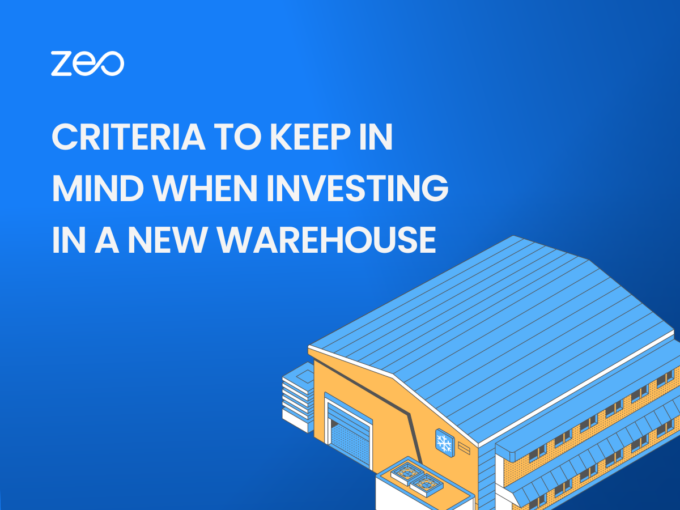
Investing in a New Warehouse

Warehouse Location: Criteria to keep in Mind when Investing in a New Warehouse (fleet)

Reading Time: 2 minutes TL;DR: Successful warehouse investment requires evaluating location, capacity, accessibility, and operational alignment with your distribution strategy.
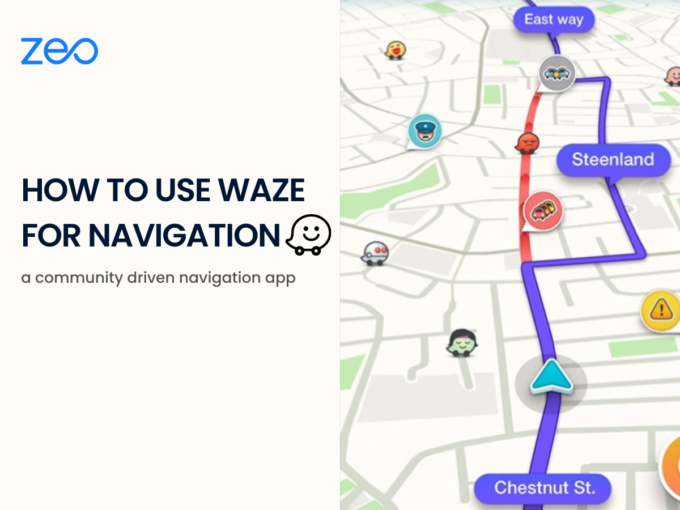
Making Navigation Easy – Using Waze for Navigation

Reading Time: 4 minutes TL;DR: Waze makes navigation easy through its community-driven platform that provides real-time traffic updates and turn-by-turn
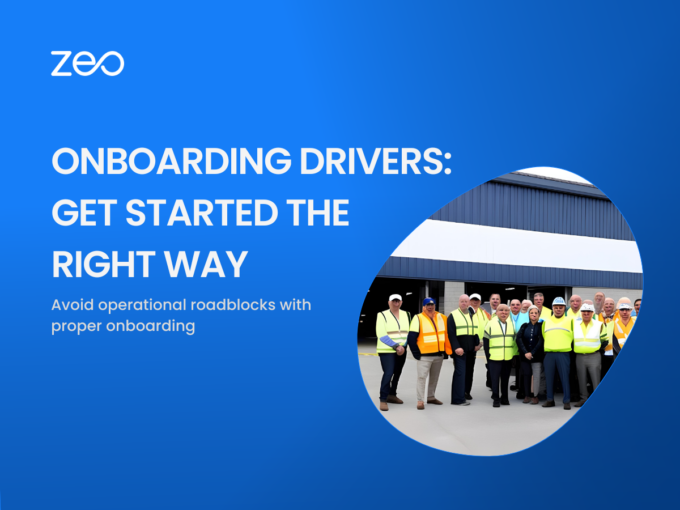
Onboarding Drivers

Onboarding Drivers: Get started the right way and avoid operational roadblocks

Reading Time: 3 minutes TL;DR: Effective driver onboarding reduces turnover by establishing clear expectations, providing proper training, and streamlining administrative
Deal Difficult Customers

How to Deal with Difficult Customers During Deliveries?

Reading Time: 5 minutes TL;DR: Deal with difficult delivery customers by staying calm, listening actively, taking accountability, and providing real-time
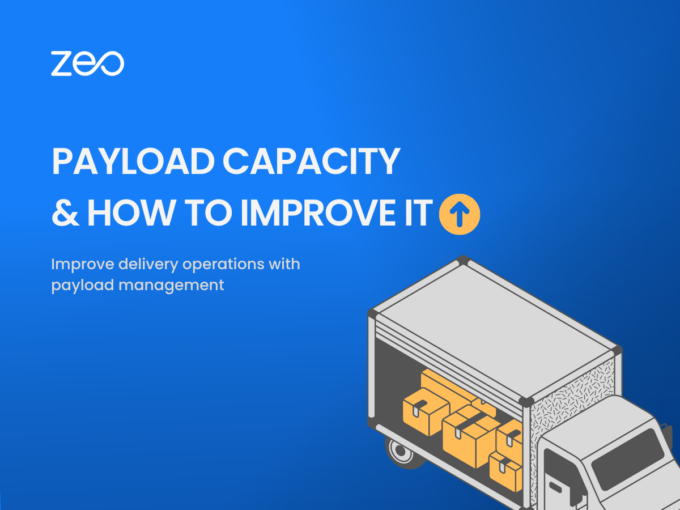
Increase Payload Capacity

How to Increase Payload Capacity of Delivery Vehicles?

Reading Time: 4 minutes TL;DR: You can increase payload capacity by reducing curb weight, improving packaging, adding trailers, and batching
Dispatch Management Software

How Dispatch Management Makes Your Business Efficient?

Reading Time: 3 minutes TL;DR: Dispatch management streamlines operations by coordinating driver assignments, vehicle allocation, and route planning to reduce
Time Slot Management

Time Slot Management: Aim for Customer Delight

Reading Time: 4 minutes TL;DR: Time slot management allows customers to choose delivery windows that work for them, improving first-attempt
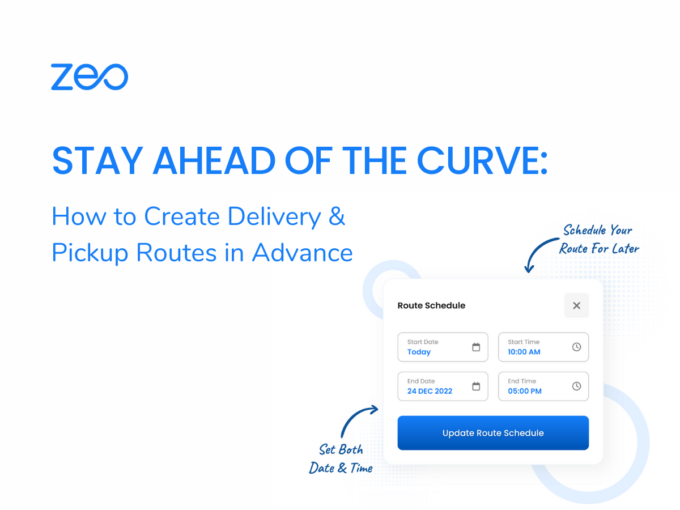
Create Delivery & Pickup Routes

Stay Ahead of the Curve: How to Create Delivery & Pickup Routes in Advance

Reading Time: 3 minutes TL;DR: Creating delivery and pickup routes in advance improves business efficiency by reducing costs, saving time,
Multiple Delivery Apps

The Art of Multi-apping: How to Manage Driving for Multiple Delivery Apps

Reading Time: 4 minutes TL;DR: Multi-apping success comes from strategic app selection, efficient route planning, and proper expense tracking across


Zeo Questionnaire

Frequently
Asked
Questions

Know More

How do I add stop by typing and searching? Web

Follow these steps to add a stop by typing and searching:

  • Go to Playground Page. You will find a search box in top left.
  • Type in your desired stop and it will show search results as you type.
  • Select one of the search results to add the stop to list of unassigned stops.

How do I import stops in bulk from an excel file? Web

Follow these steps to add stops in bulk using an excel file:

  • Go to Playground Page.
  • In top right corner you will see import icon. Press on that icon & a modal will open.
  • If you already have an excel file, press the "Upload stops via flat file" button & a new window will open up.
  • If you don't have an existing file, you can download a sample file and input all your data accordingly, then upload it.
  • In the new window, upload your file and match the headers & confirm mappings.
  • Review your confirmed data and add the stop.

How do I import stops from an image? Mobile

Follow these steps to add stops in bulk by uploading an image:

  • Go to Zeo Route Planner App and open On Ride page.
  • Bottom bar has 3 icons in left. Press on image icon.
  • Select the image from gallery if you already have one or take a picture if you don't have existing.
  • Adjust the crop for the selected image & press crop.
  • Zeo will automatically detect the addresses from the image. Press on done and then save & optimize to create route.

How do I add a stop using Latitude and Longitude? Mobile

Follow these steps to add stop if you have Latitude & Longitude of the address:

  • Go to Zeo Route Planner App and open On Ride page.
  • You will see a icon. Press on that icon & press on New Route.
  • If you already have an excel file, press the "Upload stops via flat file" button & a new window will open up.
  • Below search bar, select the "by lat long" option and then enter the latitude and longitude in the search bar.
  • You will see results in the search, select one of them.
  • Select additional options according to your need & click on "Done adding stops".

How do I add stops using QR Code? Mobile

Follow these steps to add stop using QR Code:

  • Go to Zeo Route Planner App and open On Ride page.
  • You will see a icon. Press on that icon & press on New Route.
  • Bottom bar has 3 icons in left. Press on QR code icon.
  • It will open up a QR Code scanner. You can scan a normal QR code as well as a FedEx QR code, and it will automatically detect the address.
  • Add the stop to route with any additional options.

How do I delete a stop? Mobile

Follow these steps to delete a stop:

  • Go to Zeo Route Planner App and open On Ride page.
  • You will see a icon. Press on that icon & press on New Route.
  • Add some stops using any of the methods & click on Save & Optimize.
  • From the list of stops that you have, long press on any stop that you want to delete.
  • It will open window asking you to select the stops that you want to remove. Click on Remove button and it will delete the stop from your route.

Zeo Blogs

Explore our blog for insightful articles, expert advice, and inspiring content that keeps you informed.

Equipment Delivery Management: A 2026 Playbook

Learn what equipment delivery management really means and how to build a workflow with routing software, KPIs, and a software checklist.

Legal Document Delivery Optimization: A Process Server

Learn legal document delivery optimization strategies to cut mileage, hit court deadlines, and capture defensible proof of service every time.

Financial Document Delivery: A 2026 Compliance Guide

Learn how route optimization makes financial document delivery secure, time-definite, and audit-ready across multiple branches or client sites.

Xlork is a developer-first data import platform. It lets you embed CSV, Excel, and Google Sheets import into any app with AI-powered column mapping and schema validation. Explore free developer tools like JSON-to-CSV converters and color palette generators. No more building import flows from scratch — just drop in the Xlork SDK, sign up free, and ship clean data in minutes.