
Delivery Management & Optimization | Zeo Route Planner - Part 8

Latest Blog

Blank Thumbnail

More Articles

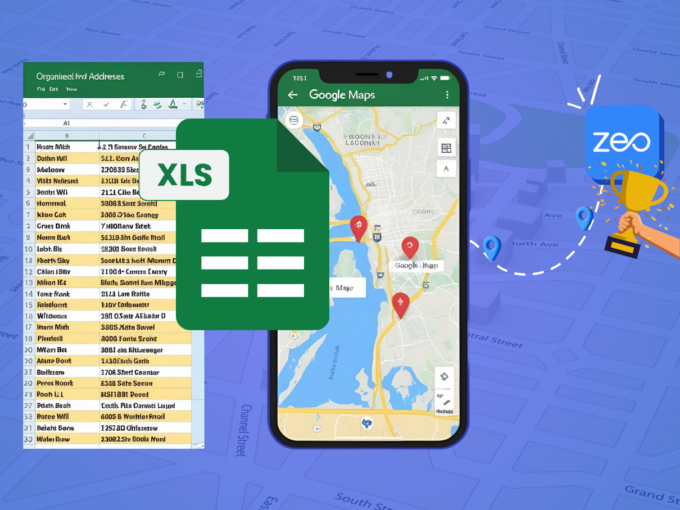
How to use Google Maps Route Planner For Deliveries?

Reading Time: 4 minutesGetting deliveries from point A to point B sounds simple—until you’re managing dozens of stops, unpredictable traffic, and tight schedules.

Healthcare Fleet Management

Choosing the Right Route Planner Software for Healthcare Fleet Management

Reading Time: 4 minutesPicture this: a bustling healthcare fleet rushing against time, delivering critical supplies and services. Every moment counts, and efficiency is

E-Commerce Delivery Planning Software for Customer Satisfaction

Reading Time: 5 minutesEfficient and timely delivery has become a cornerstone of success in the competitive landscape of e-commerce. Businesses across industries are

Navigating Distribution Challenges

Navigating Distribution Challenges with Optimized Routing Software

Reading Time: 5 minutesReading Time: 5 minutes TL;DR: Distribution challenges like manual route planning and poor visibility are solved with AI-powered route optimization
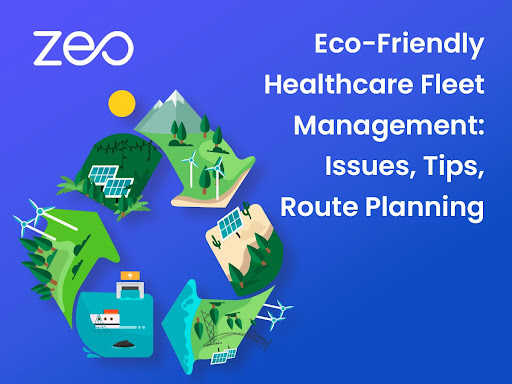
Eco-Friendly Healthcare Fleet Management

Eco-Friendly Healthcare Fleet Management: Issues, Tips, Route Planning

Reading Time: 3 minutesIn recent years, the global healthcare industry has been making strides toward environmental sustainability, recognizing the impact of its operations

Rise of Social Commerce through TikTok: Role of Route Optimization in eCommerce

Reading Time: 3 minutesIs TikTok just a short video entertainment and social platform? The answer is no! It is rapidly transforming into a
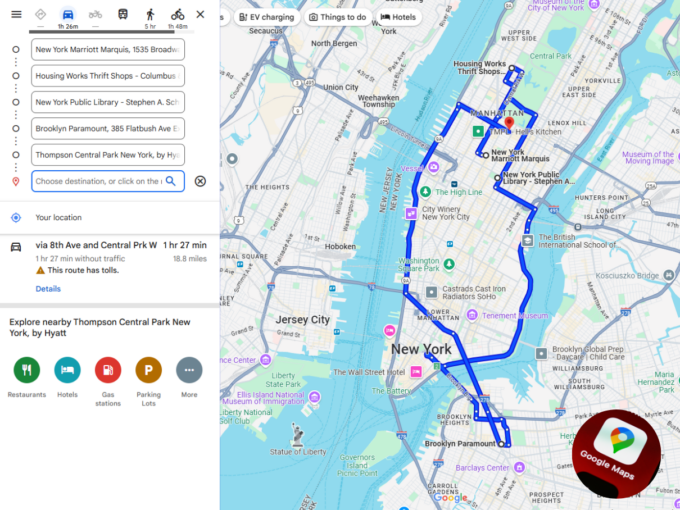
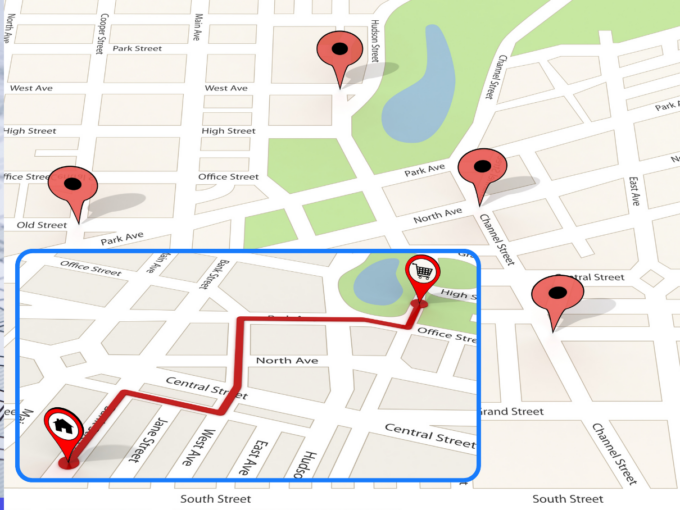
Planning Routes with Google Maps Route Planner: Benefits & Shortcomings

Reading Time: 4 minutesIf you’ve ever planned a route using Google Maps, you know how easy and convenient it can be for personal
Enhancing the Last-Mile Delivery for Plants: How to Ship and Deliver Them Safely

Reading Time: 4 minutesTreating plant delivery like a regular package delivery would be a huge mistake! Plants, by their very nature, are sensitive


The Benefits of Real-Time Vehicle Tracking for School Transportation

Reading Time: 6 minutesReading Time: 4 minutes TL;DR: Real-time vehicle tracking transforms school transportation by providing instant visibility into bus locations, route progress,

Reducing Stress for School Drivers: The Benefits of Zeo’s Route Optimization

Reading Time: 6 minutesReading Time: 2 minutes TL;DR: School bus drivers can significantly reduce stress through AI-powered route optimization that eliminates inefficient planning

Zeo Questionnaire

Frequently
Asked
Questions

Know More

How do I add stop by typing and searching? Web

Follow these steps to add a stop by typing and searching:

  • Go to Playground Page. You will find a search box in top left.
  • Type in your desired stop and it will show search results as you type.
  • Select one of the search results to add the stop to list of unassigned stops.

How do I import stops in bulk from an excel file? Web

Follow these steps to add stops in bulk using an excel file:

  • Go to Playground Page.
  • In top right corner you will see import icon. Press on that icon & a modal will open.
  • If you already have an excel file, press the "Upload stops via flat file" button & a new window will open up.
  • If you don't have an existing file, you can download a sample file and input all your data accordingly, then upload it.
  • In the new window, upload your file and match the headers & confirm mappings.
  • Review your confirmed data and add the stop.

How do I import stops from an image? Mobile

Follow these steps to add stops in bulk by uploading an image:

  • Go to Zeo Route Planner App and open On Ride page.
  • Bottom bar has 3 icons in left. Press on image icon.
  • Select the image from gallery if you already have one or take a picture if you don't have existing.
  • Adjust the crop for the selected image & press crop.
  • Zeo will automatically detect the addresses from the image. Press on done and then save & optimize to create route.

How do I add a stop using Latitude and Longitude? Mobile

Follow these steps to add stop if you have Latitude & Longitude of the address:

  • Go to Zeo Route Planner App and open On Ride page.
  • You will see a icon. Press on that icon & press on New Route.
  • If you already have an excel file, press the "Upload stops via flat file" button & a new window will open up.
  • Below search bar, select the "by lat long" option and then enter the latitude and longitude in the search bar.
  • You will see results in the search, select one of them.
  • Select additional options according to your need & click on "Done adding stops".

How do I add stops using QR Code? Mobile

Follow these steps to add stop using QR Code:

  • Go to Zeo Route Planner App and open On Ride page.
  • You will see a icon. Press on that icon & press on New Route.
  • Bottom bar has 3 icons in left. Press on QR code icon.
  • It will open up a QR Code scanner. You can scan a normal QR code as well as a FedEx QR code, and it will automatically detect the address.
  • Add the stop to route with any additional options.

How do I delete a stop? Mobile

Follow these steps to delete a stop:

  • Go to Zeo Route Planner App and open On Ride page.
  • You will see a icon. Press on that icon & press on New Route.
  • Add some stops using any of the methods & click on Save & Optimize.
  • From the list of stops that you have, long press on any stop that you want to delete.
  • It will open window asking you to select the stops that you want to remove. Click on Remove button and it will delete the stop from your route.

Zeo Blogs

Explore our blog for insightful articles, expert advice, and inspiring content that keeps you informed.

Hospital Linen Delivery Scheduling: 6 Ways to Cut Costs

Reading Time: 5 minutesSolve hospital linen delivery scheduling challenges with route optimization, real-time tracking, and driver management to cut costs and improve service.

How to Track Uniform Delivery Inventory: Complete Guide 2026

Reading Time: 7 minutesLearn how to track uniform delivery inventory from warehouse to customer doorstep with real-time visibility, accountability, and route optimization.

How to Optimize Refrigerated Delivery Routes in 2026

Reading Time: 6 minutesLearn how to optimize refrigerated delivery routes to cut costs by 25% while maintaining cold chain integrity through intelligent route planning software.

Xlork is a developer-first data import platform. It lets you embed CSV, Excel, and Google Sheets import into any app with AI-powered column mapping and schema validation. Explore free developer tools like JSON-to-CSV converters and color palette generators. No more building import flows from scratch — just drop in the Xlork SDK, sign up free, and ship clean data in minutes.