




More Articles

How to add stops by Typing ?
Reading Time: 4 minutes Zeo allows you to add stops easily Zeo allows you to add stops easily. You get

How to deliver packages efficiently using Zeo Route Planner
Reading Time: 8 minutes TL;DR: Zeo Route Planner is a leading package delivery software because it provides AI-powered route optimization
How To Import Excel in Zeo Route Planner
Reading Time: 6 minutes TL;DR: You can import hundreds of delivery addresses into Zeo Route Planner in minutes by uploading
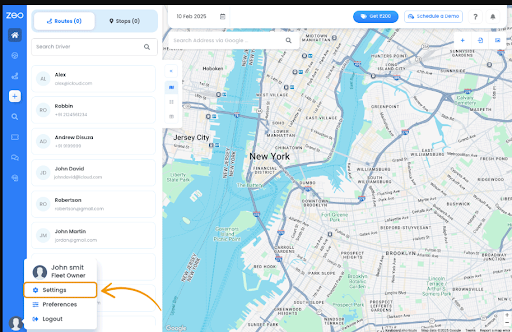
How to Alter Settings in Zeo Route Planner
Reading Time: 5 minutes TL;DR: Altering settings in Zeo Route Planner is a quick process handled entirely from the “My
Using the best navigation tool in Zeo Route Planner
Reading Time: 5 minutes TL;DR: The best navigation tool for delivery depends on your route conditions—Google Maps for comprehensive coverage,

How Zeo Route Planner is Helping SMEs Grow
“`html Reading Time: 6 minutes TL;DR: Zeo Route Planner helps small and medium businesses grow by letting them run their
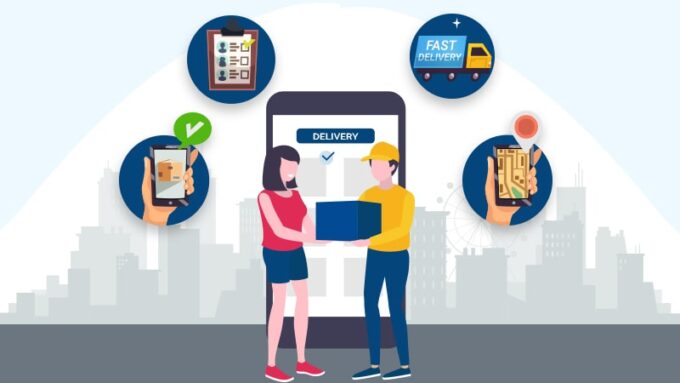
The Future of Last Mile Delivery with Zeo Route Planner
“`html Reading Time: 6 minutes TL;DR: Last-mile delivery in 2026 runs on route optimization, real-time tracking, and digital proof of

Creating a New Route in Zeo Route Planner
Reading Time: 7 minutes It sometimes happens that there is a need to add a new route while you are
How to Alter Driver Settings in Zeo Route Planner
Reading Time: 6 minutes TL;DR: Drivers can alter their delivery settings directly from the road by adding or deleting stops,

How to Boost Efficiency in Your Delivery Process Using a Routing App
Reading Time: 5 minutes TL;DR: The fastest way to boost efficiency in your delivery process is to use a routing